Set up your team
Replace [customer environment] in the address below with the name of your amber environment.
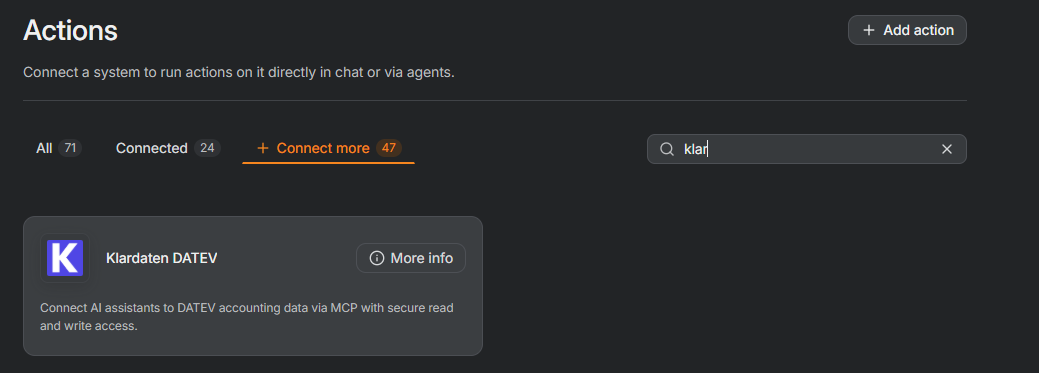
- Open the following page in your amber environment and search for “klardaten”:
https://[customer environment].ambersearch.de/settings/actions
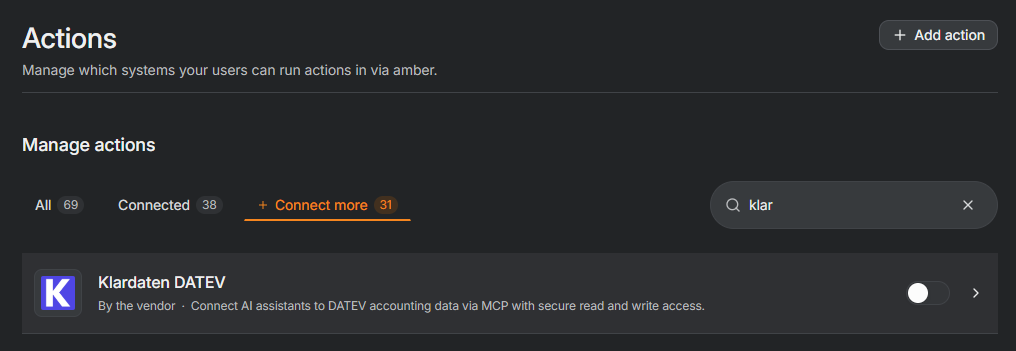
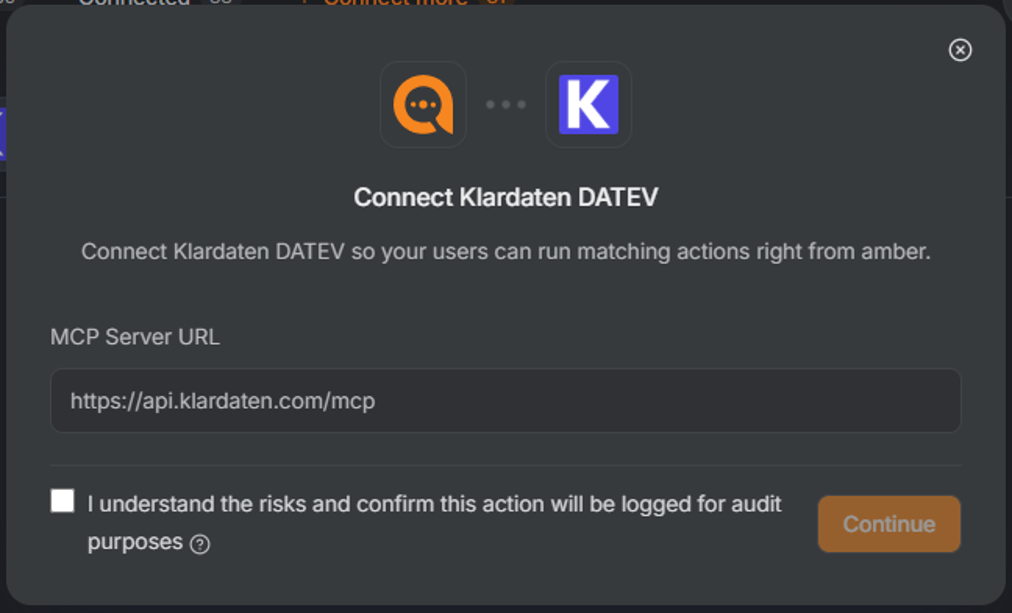
- Open “Klardaten DATEV”, tick the checkbox to confirm the notice about risks and audit logging, then click “Continue”.
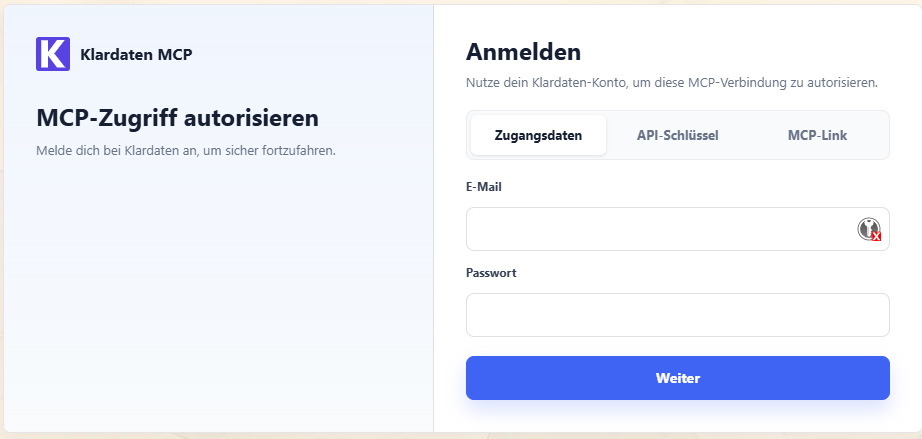
- Sign in to Klardaten to authorize the connection. The integration is then available to all users in your amber environment.
Connect your account
- Each user opens the following page in their amber environment, selects “Klardaten DATEV” and connects their own Klardaten account:
https://[customer environment].ambersearch.de/actions