- Install Klardaten DATEV-Connector using one of these options:
- Install Klardaten DATEV-Connector in ChatGPT ↗
- Install it through ChatGPT plugin search:
- In ChatGPT, select Plugins in the sidebar.
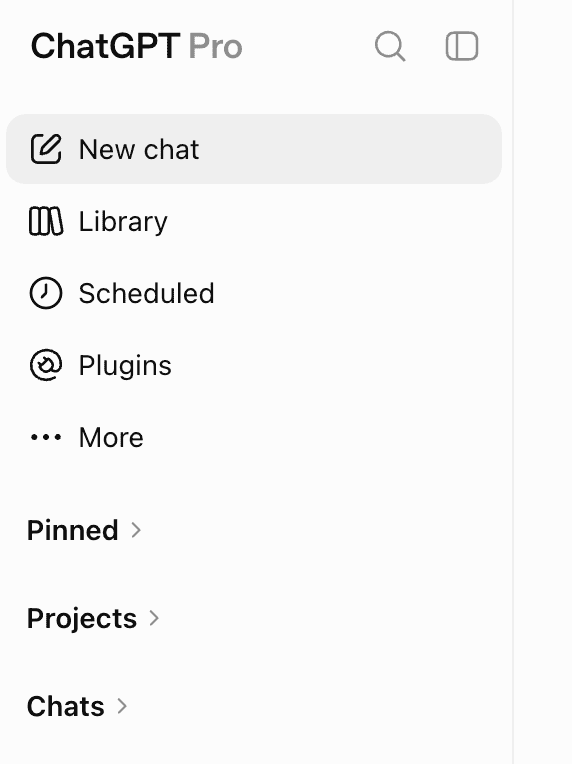
- Search for Klardaten, then click the + button next to Klardaten DATEV-Connector.
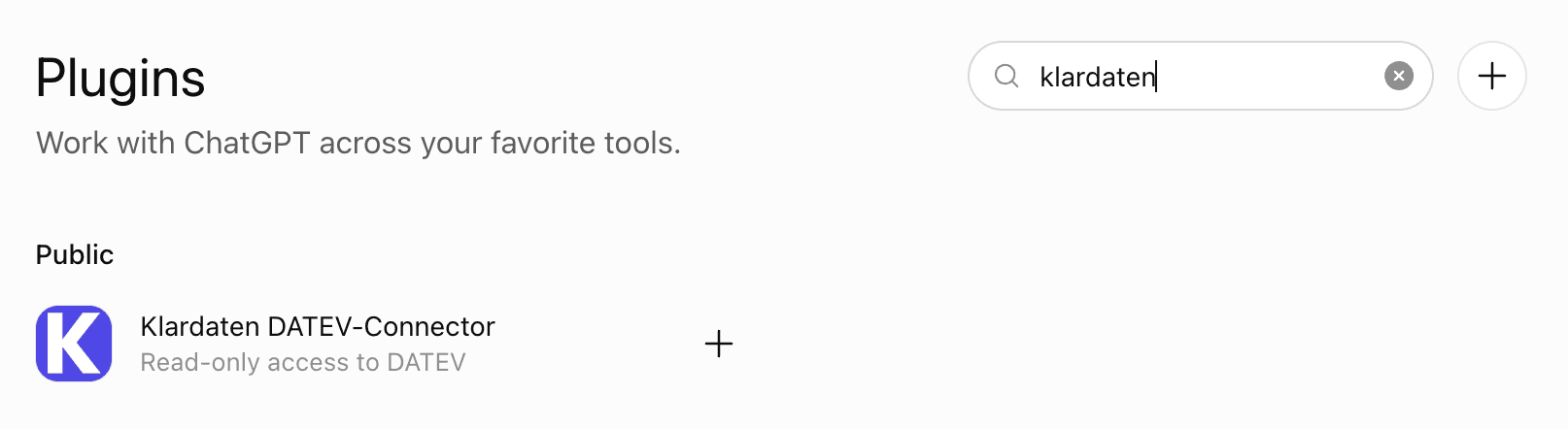
- In ChatGPT, select Plugins in the sidebar.
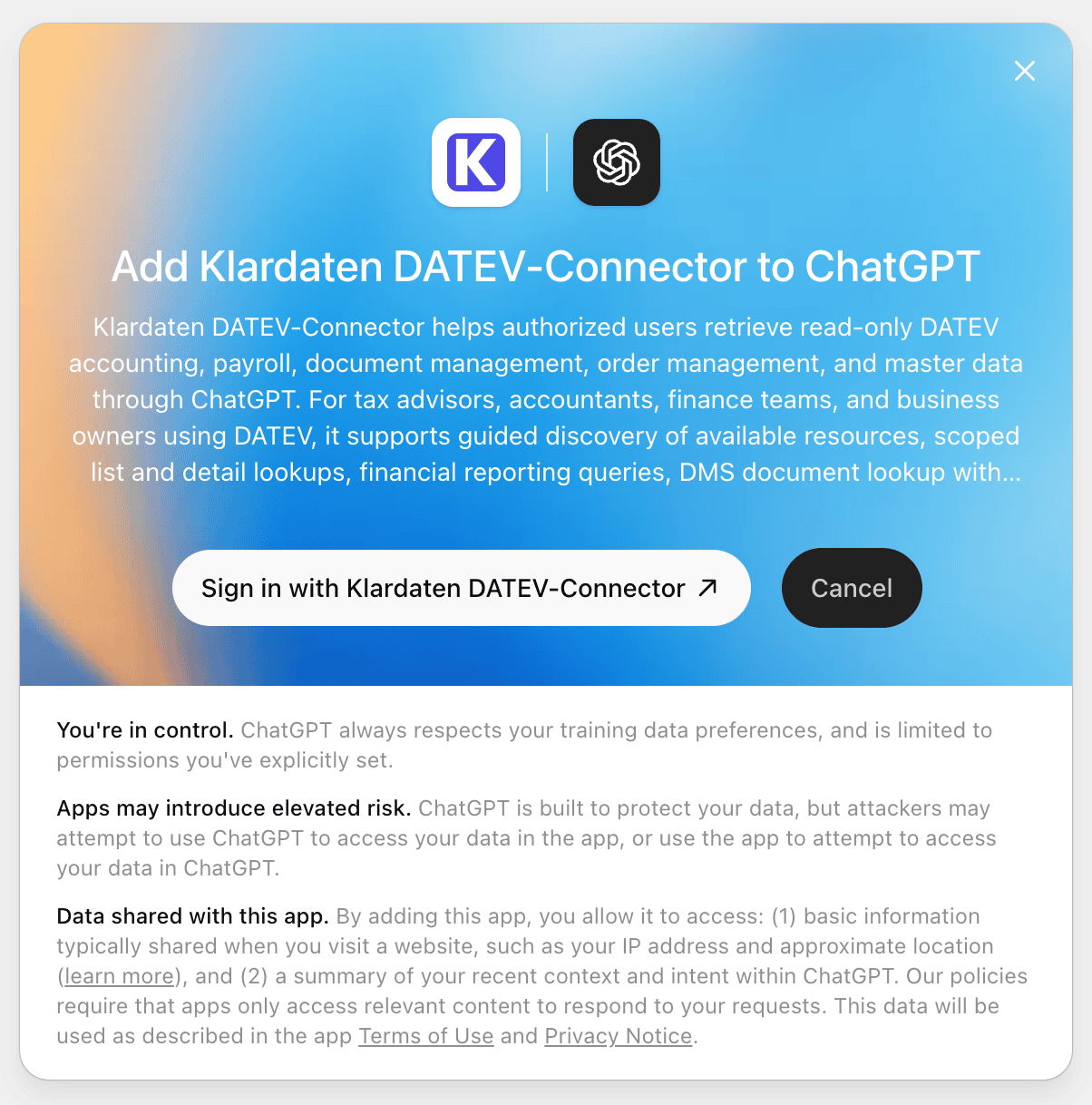
- Click Sign in with Klardaten DATEV-Connector and complete the OAuth flow with your Klardaten credentials.
- Open a new chat, type
@kla, and select Klardaten DATEV-Connector from the plugin suggestions.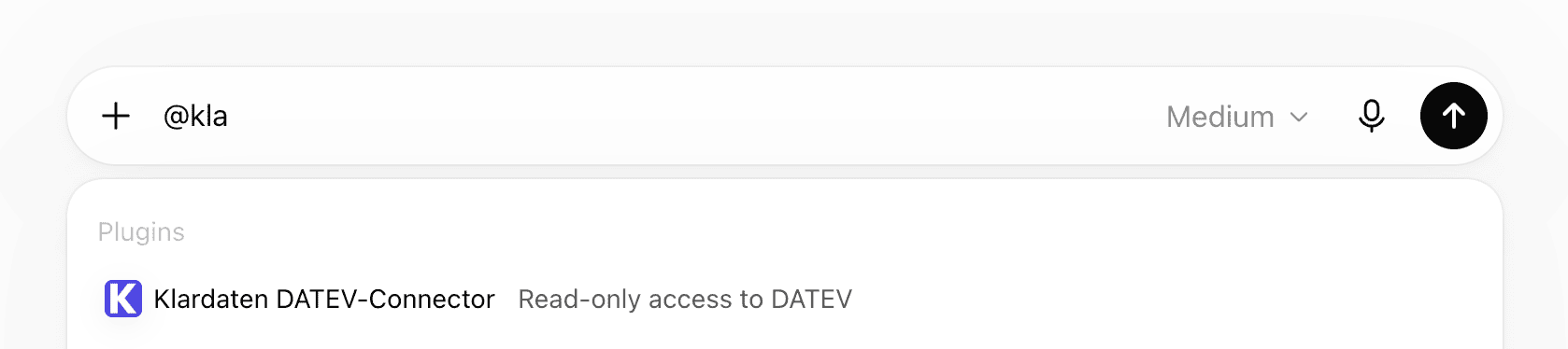
ChatGPT
Install the public Klardaten DATEV-Connector plugin in ChatGPT and sign in with OAuth.